Why I Replaced Postman with a TypeScript Workflow in VS Code
This essay describes the exploration-to-test path that led to Glubean. The current product goes further: contract and workflow source can become executable evidence, Specifications, docs, reports, and agent context. For the current mental model, start with How Glubean Works.
Every time I work with an API, I go through two phases.
First, I am exploring. I send requests, inspect responses, and figure out how things actually behave. For years, that happened in Postman, curl, or a scratch file hidden somewhere.
Then later, when I need to make sure things keep working, I move to a test file and rewrite the same requests from scratch. By that point, I have already forgotten part of what I learned during exploration.
I kept repeating that loop until I realized the real problem was not laziness. Exploration and verification lived in different tools, with different formats, so the exploration work was almost always throwaway.
That is the gap I wanted to close.
Postman is useful, but the workflow breaks too early
Postman solves the first part of API work well enough. If all you need is to send a request and inspect a response, it does that.
The workflow starts to break once the request becomes worth keeping.
At that point I want the thing I wrote during exploration to already be code:
- code in git
- code I can review in a PR
- code that can use normal npm packages
- code that runs in CLI and CI later
That matters even more now because code works much better with AI tools than a click-through UI workflow. An agent can generate, edit, and refactor TypeScript far more naturally than it can maintain a fragile collection of saved requests and tabs.
Exploration and verification should be the same workflow
The idea is simple:
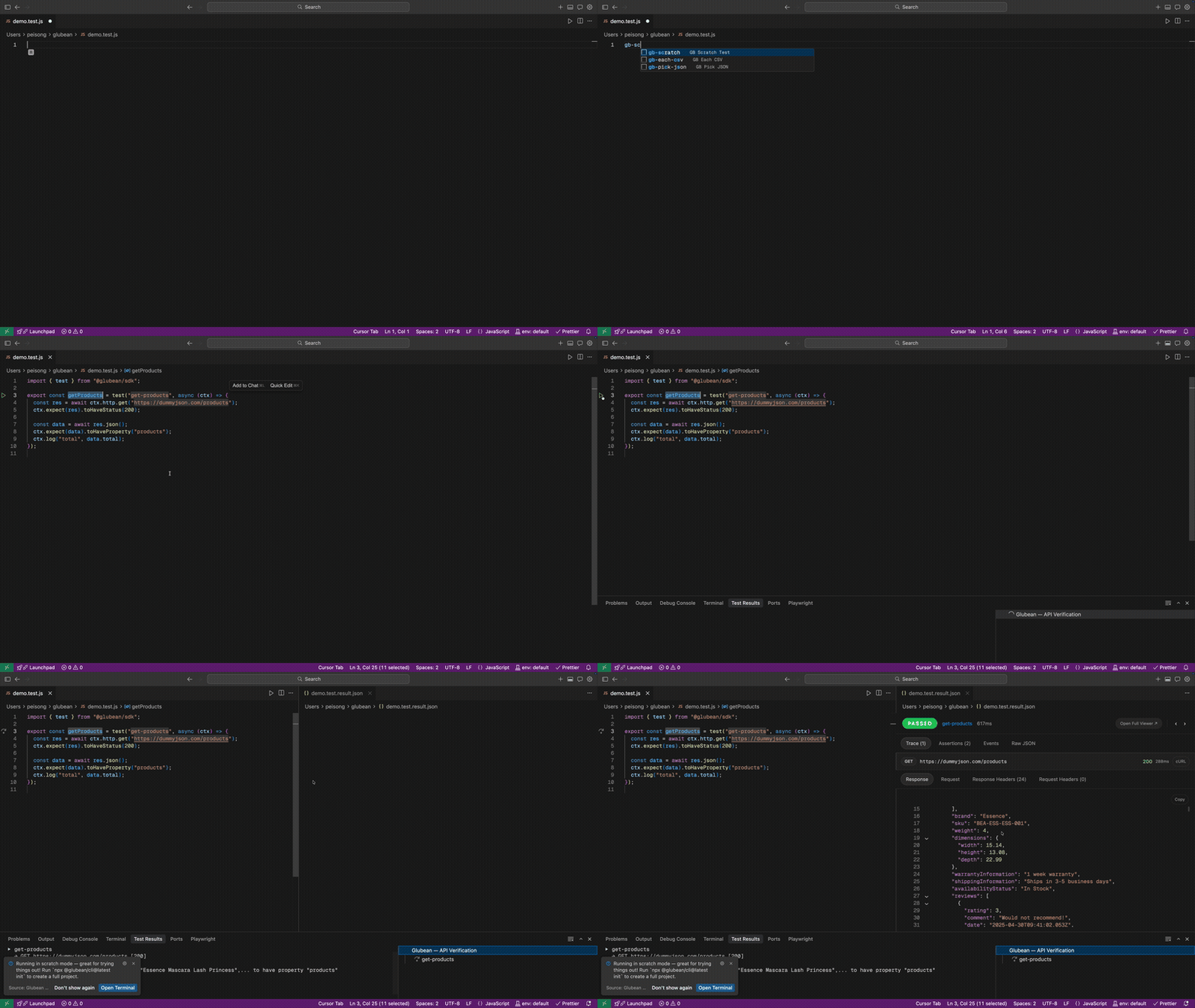
Do not explore in one format and verify in another. Write the request in a real code file, run it with one click, and keep it if it turns out to be useful.
By using TypeScript as the exploration surface, you keep the normal advantages of code:
- Full npm power. Need a random UUID or a helper library? Use it directly.
- Type safety. Your editor can catch mistakes before you run the request.
- Refactorability. If a URL or helper changes, you update it like normal code.
What this looks like in Glubean
I built Glubean around a smaller distance between “I am just trying this” and “this should live in the repo.”
Here is the smallest version of that workflow:
import { configure, test } from "@glubean/sdk";

const { http: api } = configure({
  http: { prefixUrl: "https://dummyjson.com" },
});

export const getUser = test("get-user", async (ctx) => {
  const res = await api.get("users/1");

  ctx.expect(res).toHaveStatus(200);
  const body = await res.json<{ id: number }>();
  ctx.expect(body.id).toBe(1);
});
If you have used Jest or Vitest in VS Code, the interaction feels familiar. Click the play button beside the test and the result opens in the editor.
You see the method, URL, status, assertions, and full request and response body. It feels like API exploration, but the source of truth is the file you are editing.
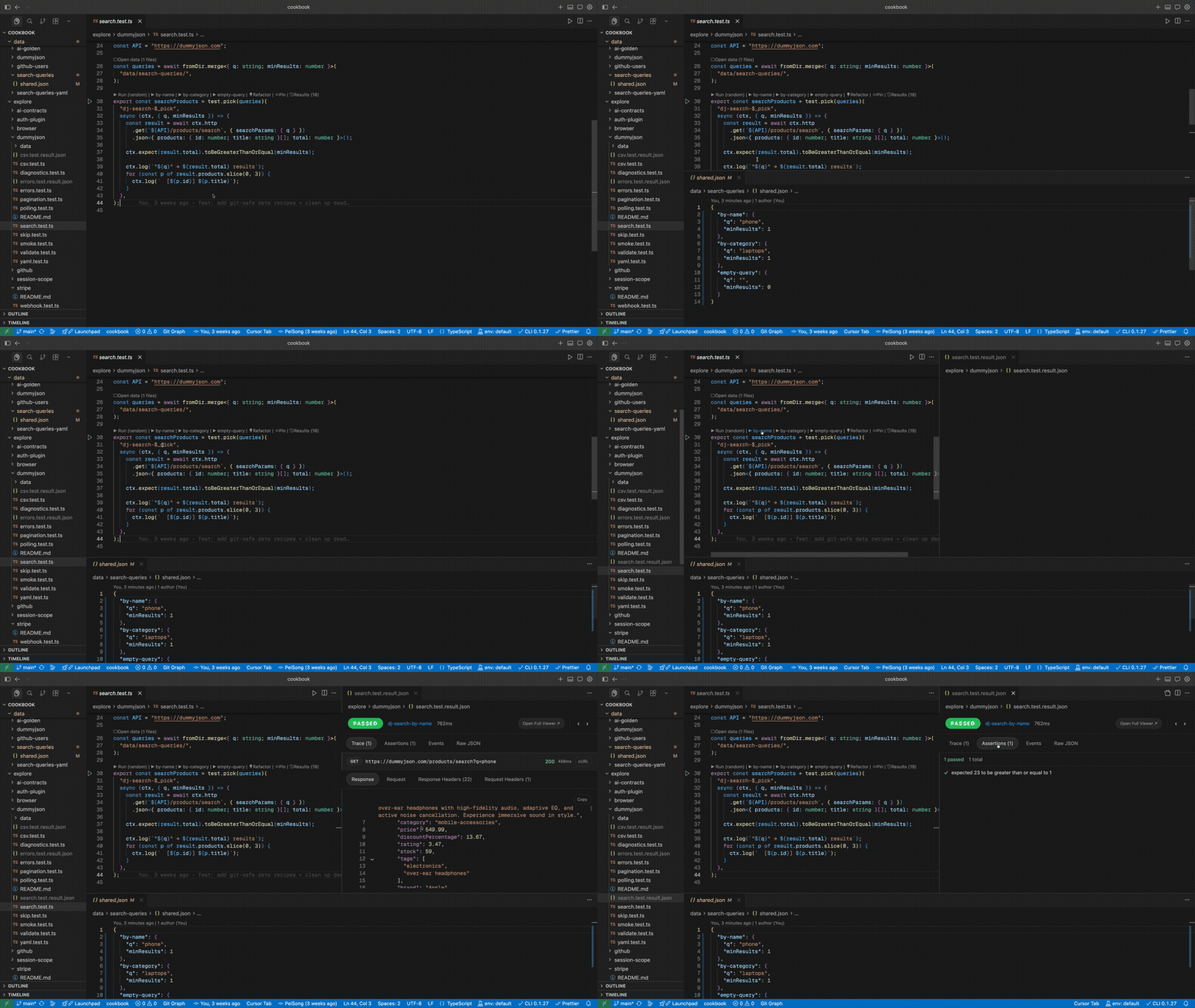
Once the workflow gets more real, the benefit becomes clearer. Instead of a saved request in a UI, you have normal TypeScript that can share state, compose helpers, and express a multi-step flow.
import { configure, test } from "@glubean/sdk";

const { http: api } = configure({
  http: { prefixUrl: "https://dummyjson.com" },
});

export const verifyAndUpdate = test("verify-and-update")
  .setup(async (ctx) => {
    const res = await api.get("users/1");
    ctx.expect(res).toHaveStatus(200);
    const body = await res.json<{ id: number; firstName: string }>();
    return { userId: body.id, originalName: body.firstName };
  })
  .step("Check user profile", async (ctx, { userId, originalName }) => {
    const res = await api.get(`users/${userId}`);
    ctx.expect(res).toHaveStatus(200);
    const body = await res.json<{ firstName: string }>();
    ctx.expect(body.firstName).toBe(originalName);
    return { userId, originalName: body.firstName };
  })
  .step("Update user name", async (ctx, { userId, originalName }) => {
    const res = await api.put(`users/${userId}`, {
      json: { firstName: "Updated" },
    });
    ctx.expect(res).toHaveStatus(200);
    ctx.log(`Renamed ${originalName} -> Updated`);
  });
When I run the file, I get a step-aware result report instead of a pile of disconnected requests.
The important part is not the syntax. The important part is that the code I wrote while exploring is already real verification code. I do not need to rewrite it or export it into another format later.
The real cost is the work you never keep
The old workflow does not just waste time on rewriting. It also quietly kills useful exploration.
You try an edge case during discovery, it works, and you move on. Two months later it breaks and nobody catches it because that request lived in terminal history or an unsaved Postman tab.
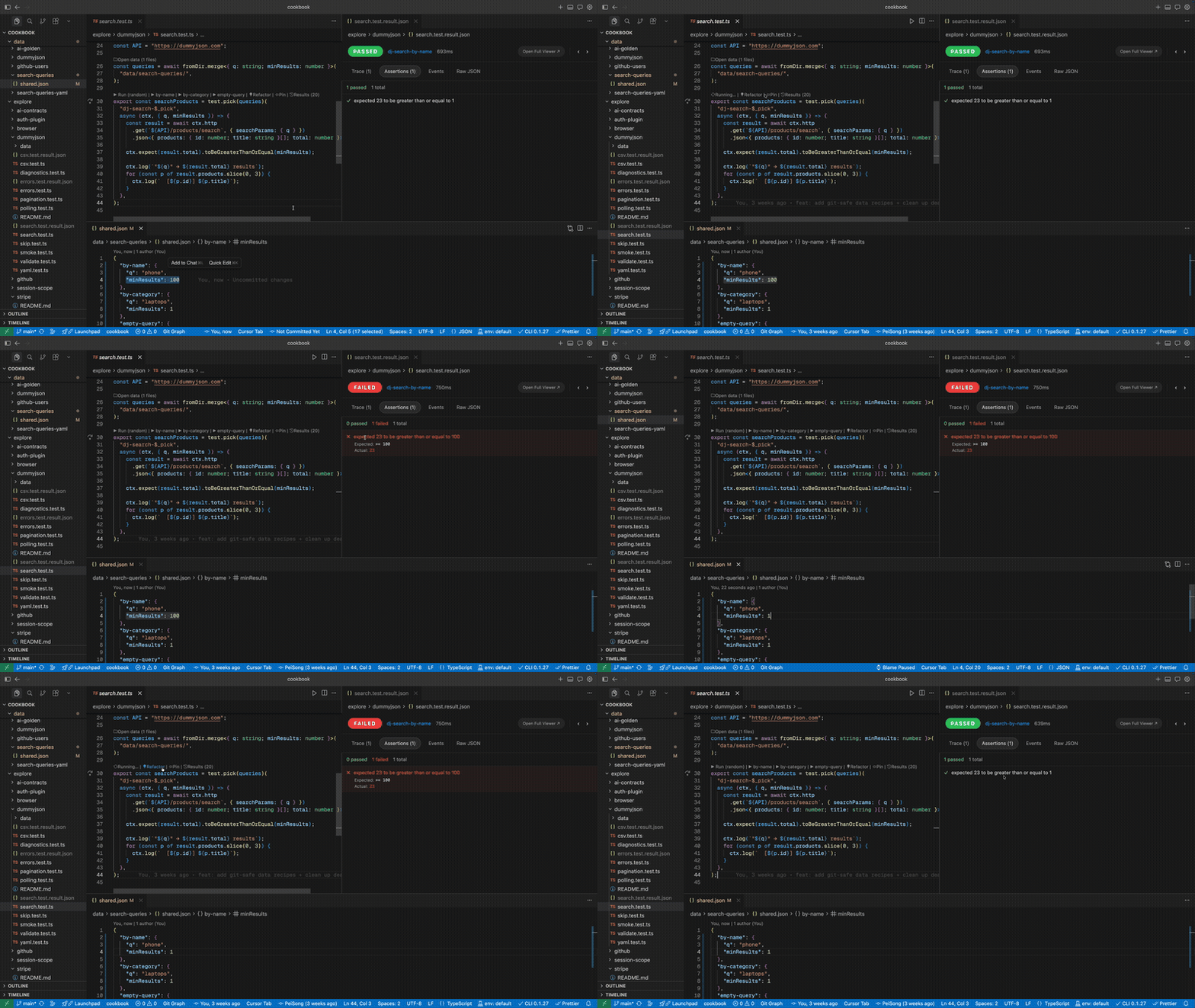
If trying something useful and keeping something useful are the same action, more of that work survives.
That is the real win.
The same file should survive VS Code, CLI, and CI
Because these checks are just code, they do not stop being useful once you leave the editor.
npx glubean run explore/dummyjson/smoke.test.ts --verbose --emit-full-traceThe same file can run in your terminal or CI with no export step and no collection sync. glubean run writes .glubean/last-run.result.json; open it in VS Code and Glubean renders the same trace-oriented view there too.
That continuity matters more to me than any individual feature. Start by exploring in VS Code, keep the useful parts as committed verification, and run the same artifact later in automation.
If you already have a large Postman collection or an OpenAPI spec, the migration path is different from starting greenfield. Use Migrate from Postman / OpenAPI for the fastest way in.
Try the workflow
If this is the gap you have felt too, start here:
- Read How Glubean Works for the current product model.
- Follow Start Here and use the agent-first setup path.
- Read Migrate from Postman / OpenAPI if you already have existing API assets.
- Use the cookbook repo if you want runnable examples.
Glubean is open source, and the local workflow is free. The product direction is simple: keep API exploration in code, promote durable behavior into contracts and workflows, and make that loop work better with AI instead of worse.